
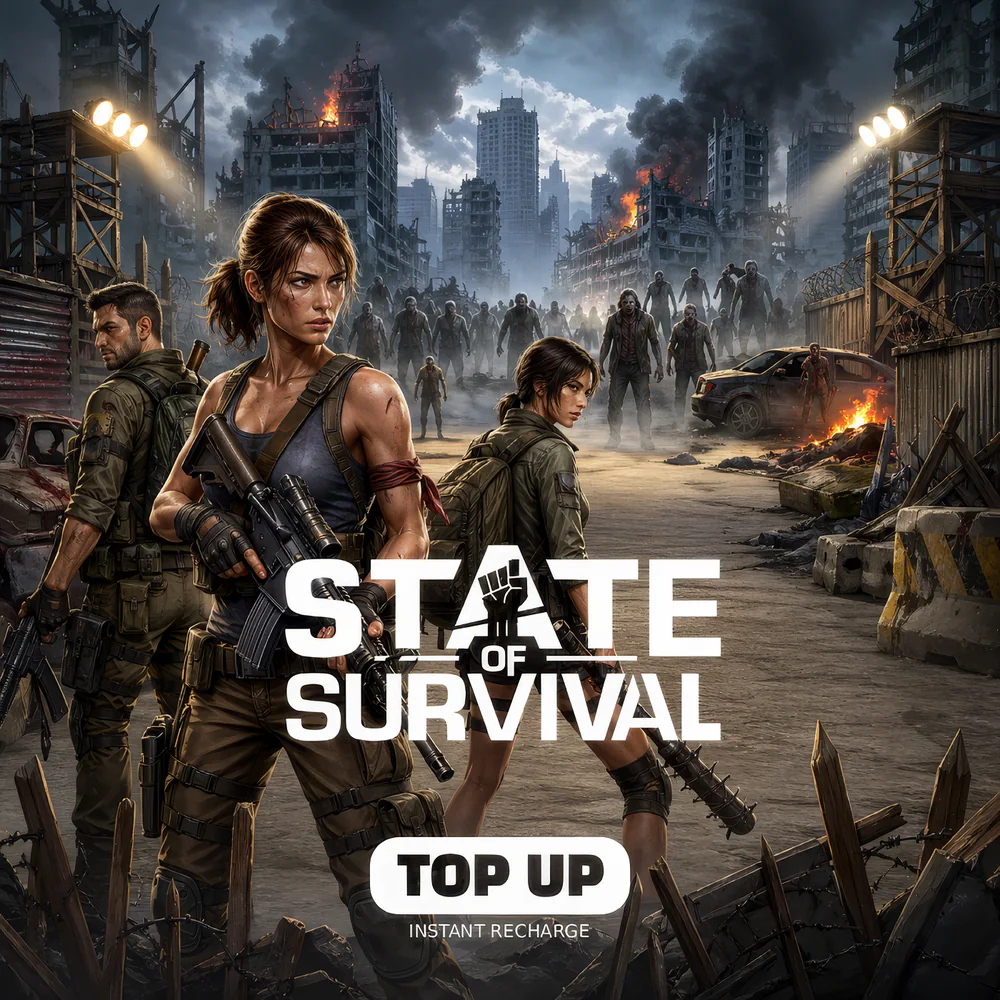
State of Survival Diamonds Top Up (Global)
 Global
 Before you buy
Check the region and recipient details before completing your top-up.
Your top-up, your way.
Description
State of Survival Diamonds Top Up delivers the premium Diamonds currency that powers KingsGroup Holdings’ zombie-apocalypse 4X strategy MMO published by FunPlus on iOS, Android, and PC (BlueStacks, NoxPlayer). MRCODA’s State of Survival top-up pipeline submits your order to FunPlus authorized distribution partners and credits Diamonds to your Settlement via the in-game Player ID typically within minutes after payment confirms. Notably, no code is sent — Diamonds land directly in your Settlement vault the next time you sync the game.
Important: Diamonds credit to the State Player ID you provide at checkout — there is no email code, no PIN, and no redeemable voucher. FunPlus / KingsGroup Holdings enforces no-region-arbitrage controls across their portfolio (King of Avalon, Guns of Glory, Ant Legion). MRCODA delivers exclusively through FunPlus-authorized routes. Specifically, once Diamonds have been credited to your Player ID they remain non-refundable per FunPlus terms.
What State of Survival Diamonds unlock
Diamonds are the cash-purchase currency that funds every accelerator and exclusive pack in the post-apocalyptic Settlement game. Specifically, Diamonds buy Speed-ups for Construction, Research, Training, and Healing queues (1 min, 5 min, 15 min, 1 hour, 3 hour, 8 hour, 15 hour, 1 day, 3 day, 7 day, 15 day, and 30 day variants), Resource bundles (Food, Wood, Metal, Gas) for keeping your Settlement economy fed, Hero Fragments for unlocking and ascending your roster — including Maddie, Travis, Mike, Sarge, Rusty, Lucky, Wolfe, Zoe, Ash, Jeb, Tyler, and the legendary Walking Dead crossover heroes Negan, Daryl, Maggie, Rick Grimes, and Michonne, Hero Skin upgrades for cosmetic and stat-boost variants, Pet food for raising your Settlement Pet companions, and VIP points for stacking VIP-tier perks across building bonuses, march counts, and gathering rates.
Furthermore, Diamonds unlock the rotating Survivor Pass seasonal track with exclusive Hero badges, the Daily Deals shop refresh, Settlement relocation Teleport tokens for moving your Settlement to a different State or to allied Alliance territory in preparation for State vs State (SvS) warfare, Talent Reset Books for re-specing your Chief toward Economy, Battle, or Garrison focus, and Joint Operations entry tickets for PvE coordinated Alliance raids. Importantly, the Walking Dead licensed collaboration content (running since 2020) regularly drops limited-time Negan and Daryl event banners with Diamonds spent for guaranteed pulls.
State of Survival Diamonds account requirements
To find your State of Survival Player ID, open the game, tap your Chief avatar in the top-left of the Settlement view, select Profile, and the Player ID appears beneath your Chief name. Specifically, the same Player ID works whether you signed in via FunPlus ID, Google, Apple, Facebook, or guest account elevated to a registered account. State of Survival supports cross-progression between iOS, Android, and emulator-based PC clients when all use the same FunPlus account. At MRCODA checkout enter just the Player ID — no State number, no Alliance flag.
Available Diamonds denominations (Global)
- 100 Diamonds — minimal trial, a few small Speed-ups
- 500 Diamonds — small accelerator tier
- 1,000 Diamonds — Hero Fragment pack tier
- 2,000 Diamonds — mid-tier with first-purchase bonus
- 5,000 Diamonds — Settlement upgrade timer pack
- 10,000 Diamonds — SvS preparation stockpile
- 20,000 Diamonds — high-tier whale pack
- 50,000 Diamonds — multi-event completionist tier
- 100,000 Diamonds — top whale tier, Walking Dead crossover stockpile
How to redeem your state of survival diamonds (no code required)
- Open State of Survival Chief avatar (top-left of Settlement view) Profile copy your Player ID
- Place your MRCODA order with the Player ID entered correctly
- MRCODA forwards the order to a FunPlus authorized publisher route
- Diamonds credit within minutes
- Reopen State of Survival and check your Diamonds balance in the top-bar of the Settlement view
Why buy State of Survival Diamonds at MRCODA
MRCODA GLOBAL LLC (Delaware registration #10191690) operates a PCI-compliant checkout with USDT, Stripe, and PayPal accepted. Tax-inclusive pricing — the checkout figure is what you pay; no surprise VAT, no FX surcharge. Specifically, Diamond packs deliver at lower customer cost than in-app store pricing. Notably, the savings come from FunPlus’s authorized regional distribution channel pricing, which sidesteps the 30% Apple / Google platform-store cut. Furthermore, MRCODA’s 1–5 minute SLA, downloadable invoices, and bilingual EN/AZ support team mean your SvS timer countdown is never wasted on payment friction — critical when a single misplaced Speed-up window can decide an Alliance war.
Before you buy
- Confirm your Player ID. Diamonds delivered to the wrong ID are non-refundable per FunPlus terms.
- Time large Diamond stockpiles (20,000 / 50,000 / 100,000 tier) to State vs State preparation windows for maximum competitive overlap.
- Walking Dead collaboration banner events are limited — re-runs are scheduled approximately every 3–6 months, so do not delay stockpiling if you want Negan or Daryl fragments.
- Settlement migration via Teleport tokens is a one-way operation per migration window; confirm Alliance alignment first.
- Diamonds cannot be refunded per FunPlus terms.
Related products
How to use
- Open State of Survival (iOS, Android, or Steam) and tap your Chief avatar in the top-left corner to open your Profile, where the User ID appears under your Name and State.
- Copy your User ID and paste it on this product page, then choose your Diamond pack.
- Pay by Credit/Debit card, PayPal, Apple Pay, Google Pay, Crypto, or other payment methods.
- Diamonds credit to your account within minutes — they appear as Biocaps in the in-game store, settlement buffs, and Ray Place.
- Weekly purchase caps refresh Mondays 0:00 UTC: 100 Diamonds 5x, 500 Diamonds 10x, 1,000 Diamonds 20x. Top-Up Event tiers stack at 2,500/7,500/40,000 Biocaps over 60 days.
FAQ
State of Survival Diamonds FAQs
Is the Walking Dead collaboration permanent in State of Survival?
Yes. The Walking Dead crossover content has been a permanent fixture since 2020, with limited-time event banners (Negan, Daryl, Maggie, Rick Grimes, Michonne) re-running approximately every 3–6 months.
How do State wars (SvS) work?
State vs State is the primary endgame PvP mode, pitting your entire State (server) against another in a structured weekly tournament. Top Alliances rally for power-scaled events. Diamonds typically spike before SvS as players stockpile Speed-ups and Resources.
Can I migrate to a different State?
Yes, using Teleport tokens (purchasable with Diamonds) during eligible migration windows. Notably, your Chief level and Alliance status must meet migration requirements at the time of the move.
Can I gift Diamonds to an Alliance mate?
Yes — enter your Alliance mate’s Player ID at MRCODA checkout instead of your own. In-game Diamond gifting is not a native feature, so ID-direct top-up is the only path.
How long does Diamond delivery take?
Typical delivery is 1–5 minutes after payment confirmation. SvS preparation windows can occasionally push to the upper end of the SLA due to surge demand.
What happens if I enter the wrong Player ID?
Diamonds credited to any Player ID are final per FunPlus terms. Triple-check before submitting payment.
Keywords: state of survival diamonds, state of survival top up, FunPlus Diamonds, KingsGroup Holdings, State of Survival Walking Dead, Negan Daryl State of Survival, zombie 4X MMO top up, Chief Settlement
Reviews
Customer reviews
Only logged in customers who have purchased this product may leave a review.



Reviews
There are no reviews yet.