
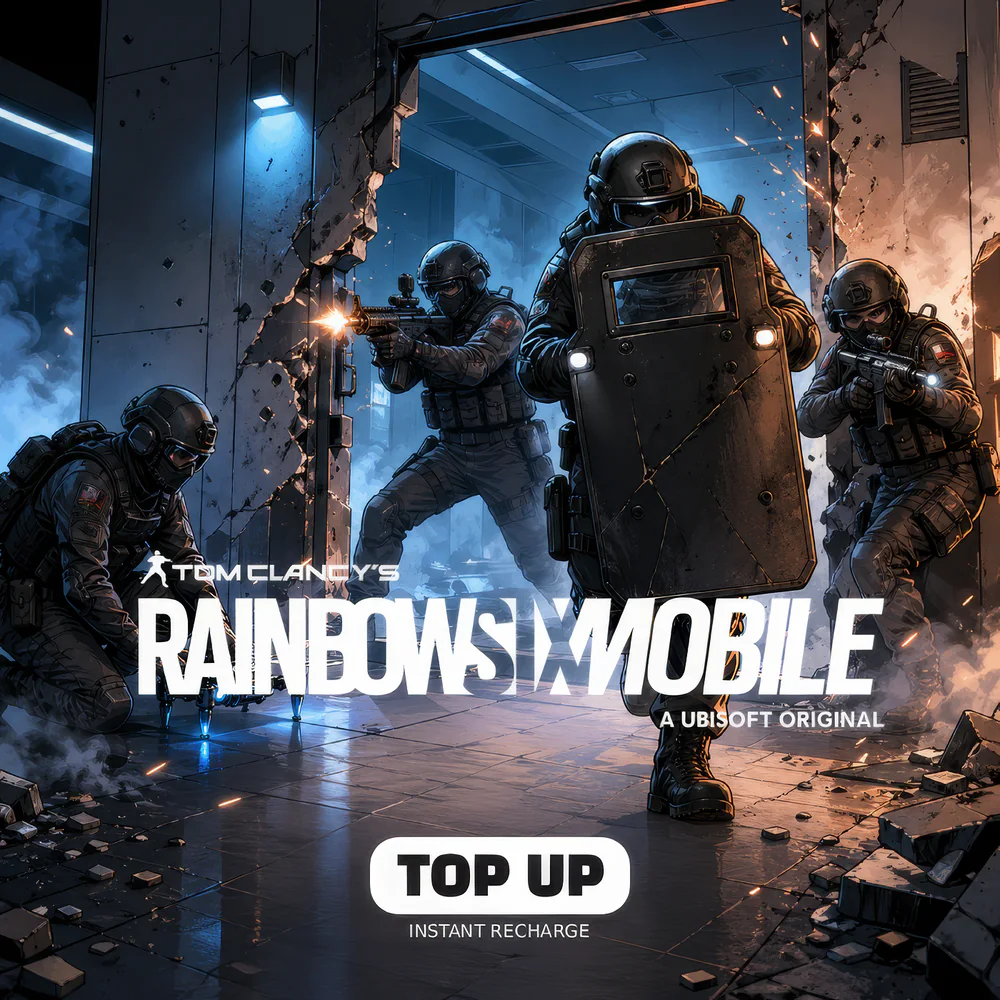
Rainbow Six Mobile Top Up (Global)
 Global
 Before you buy
Check the region and recipient details before completing your top-up.
Your top-up, your way.
Description
Rainbow Six Mobile Top Up delivers the premium R6 Platinum currency that powers Ubisoft’s tactical 5v5 attacker-versus-defender FPS — the mobile-native adaptation of Rainbow Six Siege — on iOS and Android in regions where Ubisoft’s staged global rollout has launched. MRCODA’s Rainbow Six Mobile top-up pipeline submits your order to Ubisoft authorized distribution partners and credits Platinum to your account via the Ubisoft Connect Player ID typically within minutes after payment confirms. Notably, no code is sent — Platinum lands directly in your in-game wallet on next sync.
Important: Rainbow Six Mobile requires a Ubisoft Connect account, and Platinum credits to the Ubisoft Connect Player ID linked at checkout — no email code, no PIN, no voucher. Ubisoft enforces strict regional distribution controls; MRCODA delivers Platinum exclusively through Ubisoft-authorized routes. Specifically, once Platinum has been credited to your Ubisoft Player ID it remains non-refundable per Ubisoft terms. Furthermore, Rainbow Six Mobile is in staged regional rollout — confirm your region is supported before ordering.
What Rainbow Six Mobile Platinum unlocks
R6 Platinum is the cash-purchase premium currency that unlocks every cosmetic and Operator layer in the mobile Siege ecosystem. Specifically, Platinum buys Operator unlocks across the attacker and defender roster ported from Rainbow Six Siege — including legacy attackers like Ash, Sledge, Thatcher, Twitch, Hibana, Glaz, Capitao, IQ, Thermite, Fuze, and defenders like Caveira, Bandit, Smoke, Mute, Valkyrie, Frost, Jäger, Castle, Pulse, Doc, Mira, Kapkan, and the rotating mobile-exclusive Operators introduced per season. Furthermore, Platinum funds Operator Uniforms and Headgear cosmetics (Elite Sets featuring iconic Siege skins like Ash’s Drone Specialist, Sledge’s Hibernation, Caveira’s Black Mirror, Bandit’s BAUE 3000), Weapon Skins for the R4-C, M870, AUG A2, SMG-11, MP5, ITA12L, Spear .308, F2, P90, MPX, and the full mobile-tuned arsenal, Charms and Sprays, Battle Pass tier skips, and Operator Boost cards for accelerated Operator unlock progress.
Importantly, the Rainbow Six Mobile Battle Pass (rotating seasonal track) features both a free track and a premium track funded by Platinum. Specifically, the premium track typically delivers 100 tiers of cosmetic rewards including an exclusive seasonal Operator Elite Set, signature weapon skin, and Ubisoft Connect interlinked Club rewards (some skin assets even cross to the desktop Rainbow Six Siege account when linked). Notably, original Siege maps adapted for mobile include Bank, Border, Clubhouse, Oregon, with additional maps added each season — every map’s Bombsite, Hostage, and Secure Area mode is replicated for mobile inputs.
Rainbow Six Mobile Platinum account requirements
To find your Rainbow Six Mobile Player ID, you must first link a Ubisoft Connect account. Specifically, the same Ubisoft Connect ID can be used across Rainbow Six Siege (desktop), The Division, Assassin’s Creed online services, and other Ubisoft titles. To find your specific Rainbow Six Mobile Player ID, open the game, tap your Operator portrait in the top-left of the main lobby, select Profile, and the Ubisoft Player ID appears beneath your callsign. At MRCODA checkout enter the Player ID; no server selection required because Ubisoft uses unified matchmaking per region. Notably, Rainbow Six Mobile is in staged global rollout — confirm your country is listed in the official Ubisoft regional availability table before ordering.
Available Platinum denominations (Global)
- 50 Platinum — minimal trial top-off, a small charm or spray tier
- 110 Platinum — single Operator partial unlock contribution
- 300 Platinum — Operator unlock + weapon skin combo tier
- 650 Platinum — first-purchase doubled tier for the Battle Pass
- 1,350 Platinum — premium Battle Pass + Elite Set coverage
- 3,500 Platinum — multi-season stockpile
- 7,250 Platinum — high-tier collector pack
- 11,250 Platinum — whale tier, full-season completionist pack
How to redeem your rainbow six mobile platinum (no code required)
- Confirm your Ubisoft Connect account is linked to your Rainbow Six Mobile profile
- Open Rainbow Six Mobile Operator portrait (top-left of lobby) Profile copy your Player ID
- Place your MRCODA order with the Player ID entered correctly
- MRCODA forwards the order to a Ubisoft authorized publisher route
- Platinum credits within minutes
- Reopen Rainbow Six Mobile and check your Platinum balance in the lobby’s top-right currency strip
Why buy Rainbow Six Mobile Platinum at MRCODA
MRCODA GLOBAL LLC (Delaware registration #10191690) operates a PCI-compliant checkout with USDT, Stripe (Visa/Mastercard), and PayPal accepted. Tax-inclusive pricing — the price at checkout is the price you pay; no hidden VAT, no FX surcharge. Specifically, Platinum packs deliver at lower customer cost than in-app store pricing. Notably, the savings come from Ubisoft’s authorized regional distribution channel pricing, which sidesteps the 30% Apple / Google platform-store cut. Furthermore, MRCODA routes exclusively through Ubisoft-authorized partners — important context given Ubisoft’s regional rollout enforcement, which monitors gray-market activity to prevent banned-region accounts. The 1–5 minute SLA, downloadable invoices, and bilingual EN/AZ support team beat unverified Discord reseller channels on every measurable axis — speed, traceability, and account safety.
Before you buy
- Confirm your region is supported by Rainbow Six Mobile’s staged rollout (check the official Ubisoft Rainbow Six Mobile portal for the current availability list).
- Verify your Ubisoft Connect Player ID — Platinum delivered to the wrong account is non-refundable per Ubisoft terms.
- Time premium Battle Pass purchases to the start of a new operator season (typically 8–10 week cycles) for maximum tier-grind overlap.
- Some Operator Elite Sets are season-exclusive — buying late in a season may leave reward tiers ungrindable.
- The first-purchase doubled bonus on each pack tier credits the doubled Platinum only on first redemption per Ubisoft account; subsequent purchases credit the standard ratio.
- Platinum cannot be refunded per Ubisoft terms.
Related products
How to use
- Open Rainbow Six Mobile, tap Settings (top-right corner) then Account & Legal, scroll down to find your Profile ID.
- On this product page, choose Platinum denomination, paste your Profile ID, verify it twice before paying.
- Pay in USD via Credit/Debit card, PayPal, Apple Pay, Google Pay, Crypto, or other payment methods.
- Restart Rainbow Six Mobile and check your Platinum balance in the in-game shop. Platinum credits to your Profile ID within minutes after payment confirmation.
- We never request your Ubisoft account password. Profile ID typos cannot be corrected once Platinum is delivered, so verify before paying. Refunds for confirmed non-delivery follow the standard 48-hour support window.
FAQ
Rainbow Six Mobile Platinum FAQs
Is Rainbow Six Mobile available worldwide?
No, not yet. Rainbow Six Mobile is in staged global rollout. Specifically, the game launched in selected Asia, LATAM, and SEA regions first, with North America and Europe added in subsequent waves. Check the official Ubisoft Rainbow Six Mobile portal for your country’s current availability before ordering.
Does Rainbow Six Mobile share progression with Rainbow Six Siege on PC/console?
No, the games have separate inventories and progression. However, both link through the same Ubisoft Connect account, and some Club rewards may unlock visible items on the linked Siege desktop profile.
What is the difference between Operator unlocks and Battle Pass rewards?
Operator unlocks expand your competitive roster — each Operator brings unique gadgets and abilities ported from Siege. Battle Pass rewards are mostly cosmetic (skins, charms, sprays, Elite Sets) plus convenience boosters; they do not directly add new Operators.
Are the maps the same as desktop Siege?
Selected classic maps are mobile-adapted (Bank, Border, Clubhouse, Oregon, with seasonal additions). The architectural layouts and bombsite logic are preserved; only the player-input scheme and mobile-tuned destruction physics differ.
Can I gift Platinum to a friend?
Yes — enter your friend’s Ubisoft Connect Player ID at MRCODA checkout instead of your own. Rainbow Six Mobile has no in-game Platinum gifting feature, so ID-direct top-up is the only path.
What happens if I enter the wrong Player ID?
Platinum credited to any Ubisoft Connect account is final per Ubisoft terms. Triple-check the Player ID before submitting payment. Furthermore, MRCODA cannot retrieve Platinum delivered to a stranger’s account.
Keywords: rainbow six mobile platinum, rainbow six mobile top up, R6 Mobile Platinum, Ubisoft Connect R6, Ash Sledge Caveira Bandit, R6P top up, tactical FPS mobile, Rainbow Six Mobile Battle Pass
Reviews
Customer reviews
Only logged in customers who have purchased this product may leave a review.



Reviews
There are no reviews yet.