READY WHEN YOU ARE
Your cart 0
A little empty. For now.
Your next game, gift or top-up
is just a few clicks away.
Your next game, gift or top-up
is just a few clicks away.
Save what you love. Come back when you're ready.

 Global
 Check the region and recipient details before completing your top-up.
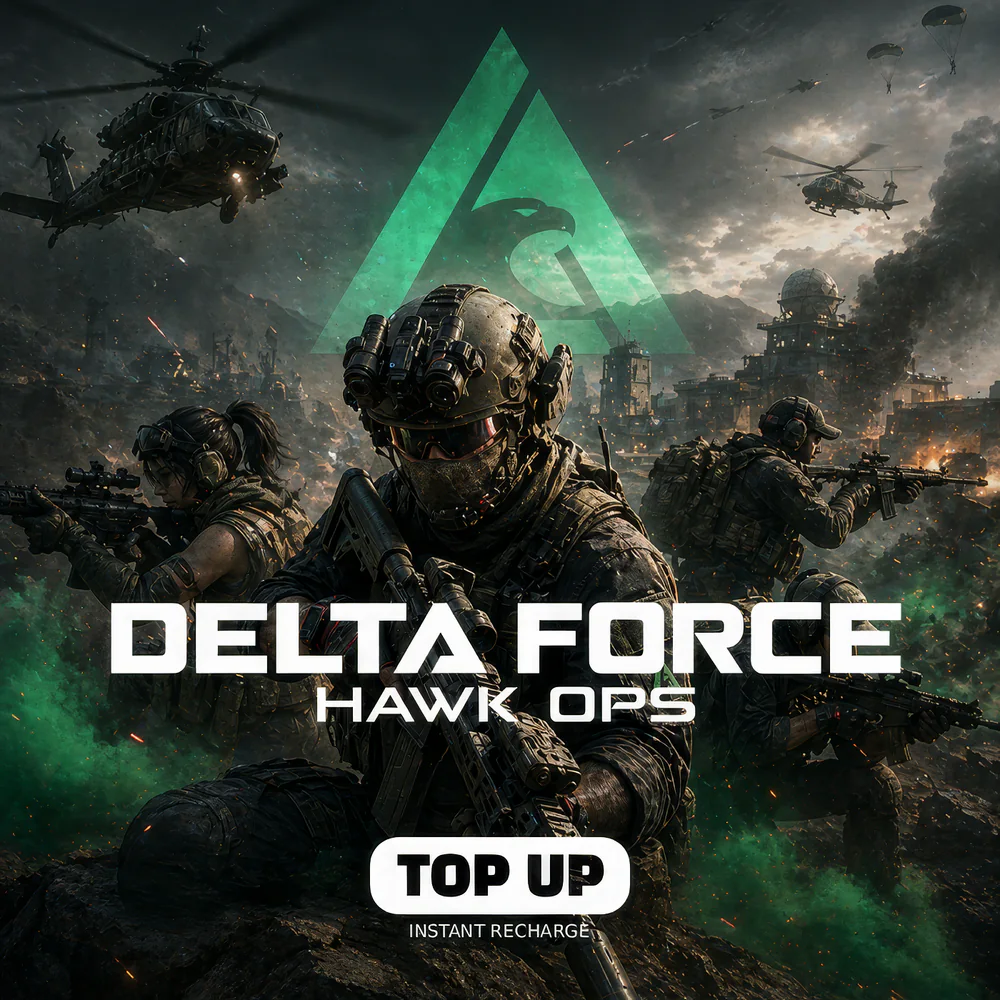
Delta Force Hawk Ops Top Up delivers the premium Delta Coins currency that powers TiMi Studio Group and Tencent’s modern military shooter on PC (Steam, Epic Games Store, official Tencent launcher) and mobile (iOS, Android). MRCODA’s Delta Force top-up pipeline submits your order to Tencent authorized distribution partners and credits Delta Coins to your account via the UID typically within minutes of payment confirmation. Notably, no code is sent — Delta Coins land directly in your account balance the next time you launch the game.
Important: Delta Coins credit to the UID you provide at checkout — there is no email code, no PIN, and no redeemable voucher. TiMi Studio / Tencent enforce strict no-region-arbitrage policies; MRCODA delivers Delta Coins exclusively through Tencent-authorized routes. Specifically, once Delta Coins have been delivered to the UID, they remain non-refundable per Tencent terms.
Delta Coins are the premium currency that funds every cosmetic and convenience layer in Delta Force across all three core modes — Hawk Ops (Battlefield-style large-scale 32v32 combined-arms combat with vehicles, helicopters, and dynamic destruction across Ascension, Trainwreck, Shafted, Threshold, and more maps), Operations (the PvPvE extraction shooter mode set in Zero Dam and Layali Grove with high-tier loot, faction reputation, and permadeath risk), and Black Hawk Down (the single-player and co-op cinematic campaign inspired by the 1993 Mogadishu battle). Furthermore, Delta Coins fuel the Battle Pass tracks per operator season, weapon skin packs for the M4A1, AK-12, M249, M870, AWM, M14EBR, P90, MP5, and dozens of other in-game weapons, operator skins for Recon, Assault, Engineer, and Support specialists (Vyron, Stinger, Toxik, Hackclaw, Luna, Uluru, D-Wolf, and the season operators), helmet and uniform sets, vehicle camouflages for the Humvee, Tigr, Mi-28, Black Hawk, and other rideables, and map-specific Operations bundles that include keycards, medkits, and faction reputation boosters.
Importantly, Delta Force’s Battle Pass reaches 100 tiers per operator season (typically 8–10 weeks). Specifically, the premium track delivers exclusive weapon skin variants, operator headgear, MVP cards, season currency for the in-game black market, and tier-100 endgame skins reserved for top-up backers.
To find your Delta Force UID, launch the game, click your profile portrait in the top-left of the main menu, and the UID appears beneath your operator codename. Specifically, the same UID works whether you signed in via Tencent ID, X (Twitter), Google, Apple, or platform-linked Steam/Epic credentials. Delta Force supports cross-progression between PC and mobile when both use the same account — Delta Coins delivered to your UID are accessible across every linked platform. At MRCODA checkout enter just the UID; no server selection, no region toggle.
MRCODA GLOBAL LLC (Delaware registration #10191690) operates a PCI-compliant checkout with USDT, Stripe (Visa/Mastercard), and PayPal accepted. Tax-inclusive pricing — the price at checkout is the price you pay; no hidden VAT, no FX surcharge from the payment gateway. Specifically, Delta Coins packs deliver at lower customer cost than in-app store pricing. Notably, the savings come from Tencent’s authorized regional distribution channel pricing, which sidesteps the 30% Apple / Google / platform-store cut mobile and console users normally absorb. Furthermore, the 1–5 minute SLA, downloadable invoices, and bilingual EN/AZ support team beat unverified Discord reseller channels on every measurable axis — speed, traceability, and account safety. Notably, separate Brazil-region “Delta Coin Redeem Code” SKUs exist for voucher-format gifting; for direct top-up to your active account, this Global UID listing is the standard route.
Three core modes: Hawk Ops (32v32 Battlefield-style combined-arms combat with vehicles), Operations (PvPvE extraction shooter at Zero Dam and Layali Grove), and Black Hawk Down (single-player and co-op campaign inspired by the 1993 Mogadishu battle).
Yes. PC (Steam, Epic, Tencent launcher) and mobile (iOS, Android) share progression and inventory when signed in with the same Tencent / Delta Force account.
Typically 8–10 weeks. Each season introduces a new operator, new weapons, BP track refresh, and a new Operations map rotation modifier.
No. Delta Coins are non-refundable per Tencent terms once credited to a UID.
No. The Brazil SKU is a voucher-code product (you redeem a code in-game). This Global listing is direct UID top-up — no code needed. Choose the format that matches your use case: direct top-up for your own account, voucher for gifting.
Delta Coins credited to any UID are final. MRCODA cannot retrieve them, and Tencent does not reverse top-ups. Triple-check your UID before submitting payment.
Keywords: delta force hawk ops top up, delta coins, Delta Force recharge, TiMi Studio Delta Force, Tencent extraction shooter, Black Hawk Down game, Operations Zero Dam, Delta Force Battle Pass
Only logged in customers who have purchased this product may leave a review.
Orders, details & digital purchases


Reviews
There are no reviews yet.